
 Polski
- Online only
0
29 tax excl.
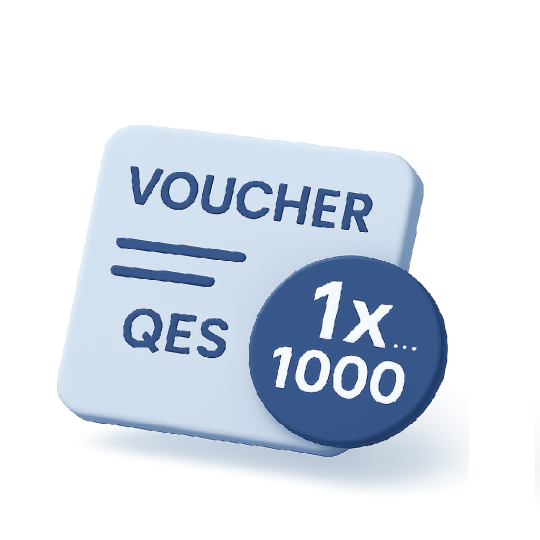
Voucher code for use on the platform enabling the creation of a Qualified Electronic Signature. This voucher allows you to sign multiple documents at once using a single qualified signature.
 Payments by bank transfer, Blik or by Card:
Visa, Visa Electron, Mastercard, MasterCard Electronic, Maestro
Single-use code for applying a Qualified Electronic Signature
The voucher code enables a one-time application of a Qualified Electronic Signature (QES) to one or multiple documents simultaneously — all within a single signing operation. It’s a convenient solution for users on the Standard or Premium plan who require flexibility and precise control over when they sign.
How does it work?
Enter your code at the designated step on the platform, then sign your prepared documents with one secure qualified signature.
The voucher is ideal for:
✓ Signing contracts, consents, amendments,
✓ Approving multiple files in a single step,
✓ Any process requiring formal identity confirmation.
IMPORTANT! By purchasing products that include Remote Identity Verification, you declare:
“I agree to the commencement of the service before the expiry of the 14-day withdrawal period and acknowledge that, once I gain access to the service, I will lose my right to withdraw from the contract.”
Identity verification is required for the issuance of qualified certificates, such as a Qualified Electronic Signature, Qualified Electronic Seal, and Qualified Website Authentication Certificate.
By starting the Remote Identity Verification service (i.e. by accessing the service), you automatically lose your right to withdraw from the contract. This also applies if the identity verification process is unsuccessful.
For identity verification, we accept one of the following documents:
✓ mDowód from the mObywatel application,
✓ Polish national identity card (physical card),
✓ Passport issued by any country.
No. If you have a valid qualified electronic signature, you can renew it yourself using the SecureDoc 2.0 application.
Voucher code for use on the platform enabling the creation of a Qualified Electronic Signature. This voucher allows you to sign multiple documents at once using a single qualified signature.